Buy Ebookswith Cash!
Pay with Everyday Methods
Even without a credit card, you can purchase ebooks with cash using gift cards available at convenience stores and elsewhere1.

For Apple Books
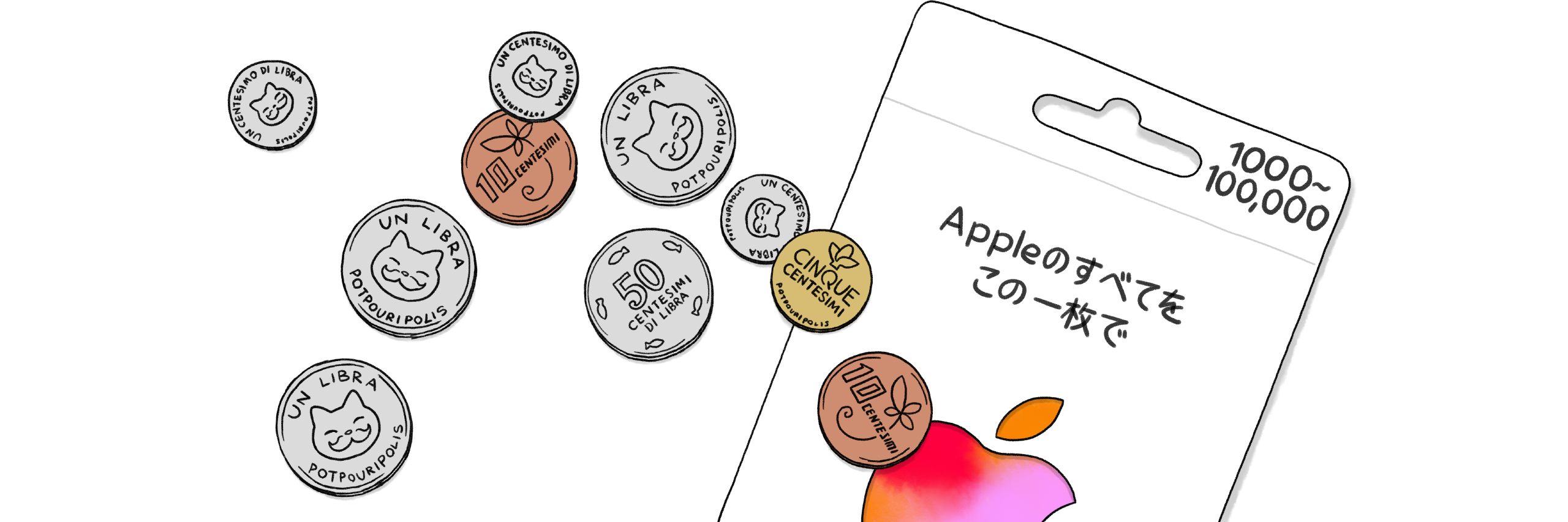
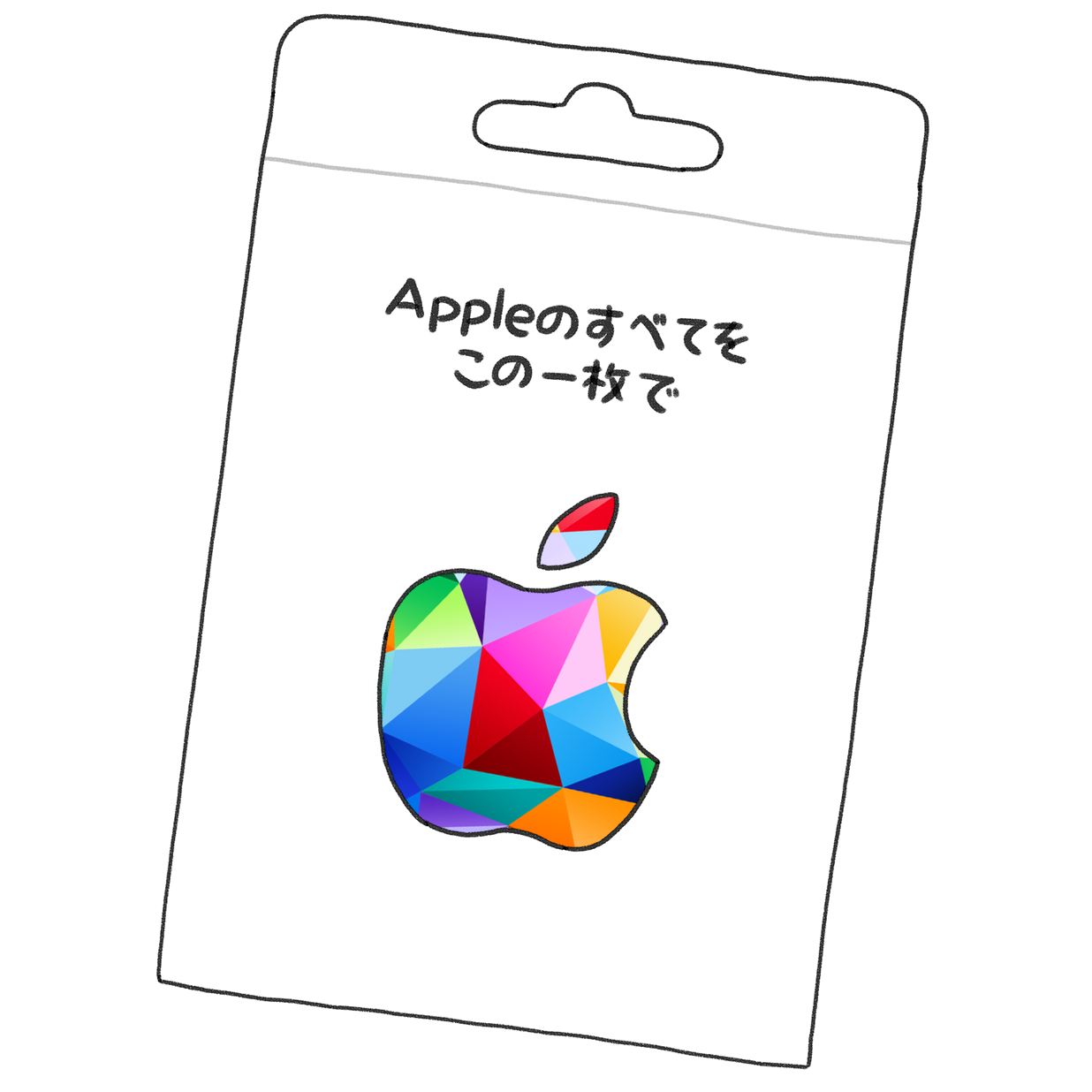
Purchase an "Apple Gift Card" or "App Store & iTunes Gift Card" at a convenience store, then add (charge) the amount you need to your Apple ID balance.
You can purchase Amaitorte ebooks from the Books app on iPhone, iPad, and Mac just like buying apps or making in-app purchases. Your Apple ID balance is shared across Apple services, so any leftover balance can also be used for app purchases and more.
How to use Apple Gift Cards and App Store & iTunes Gift Cards - Apple Support

For Kindle
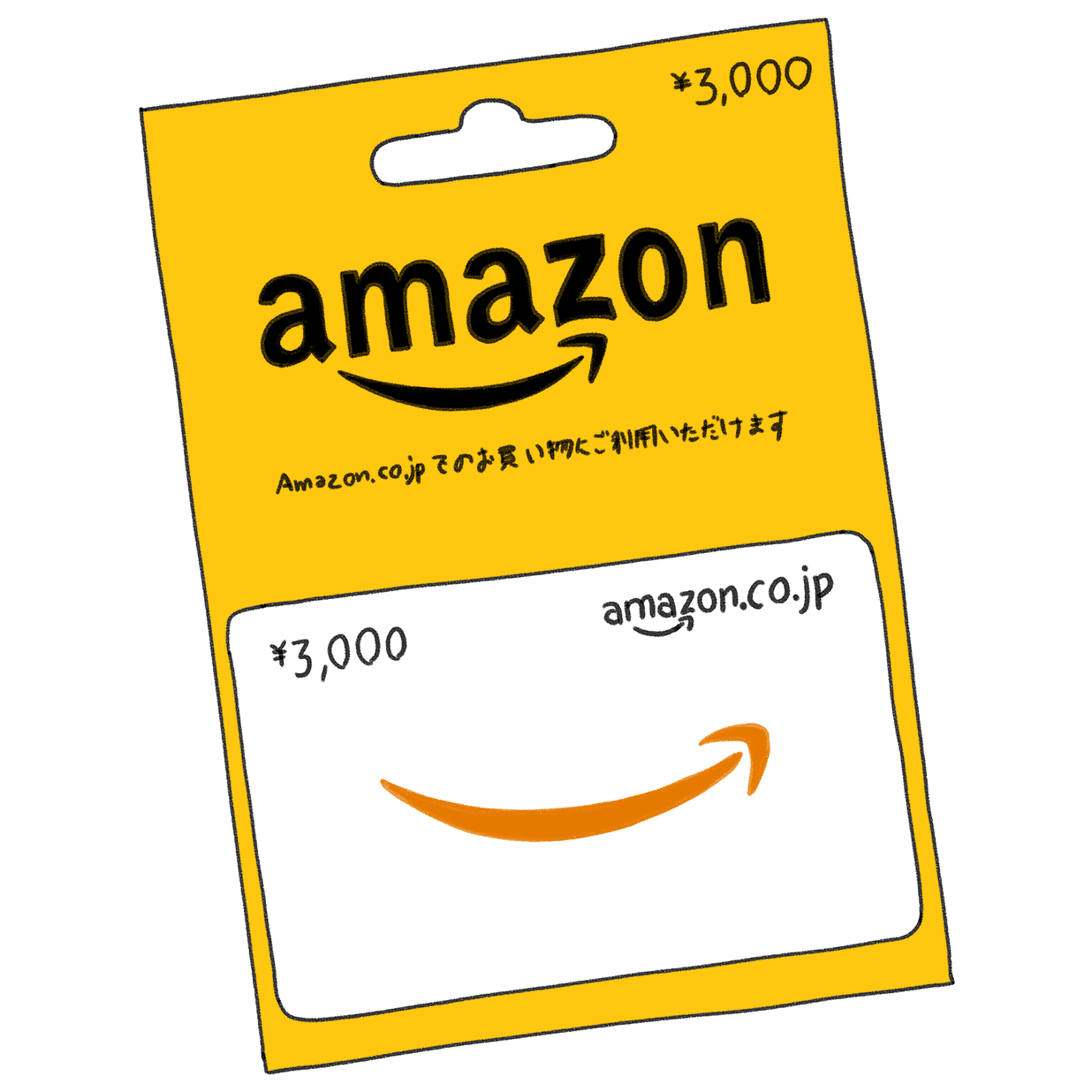
Purchase an "Amazon Gift Card" at a convenience store, then add (charge) the amount to your Amazon.co.jp account gift card balance. You can use that balance to purchase Amaitorte ebooks.
Note: for your first purchase, you may need to update your payment method settings to apply your Amazon Gift Card to Kindle purchases. For detailed setup instructions, please search online.

For Google Play
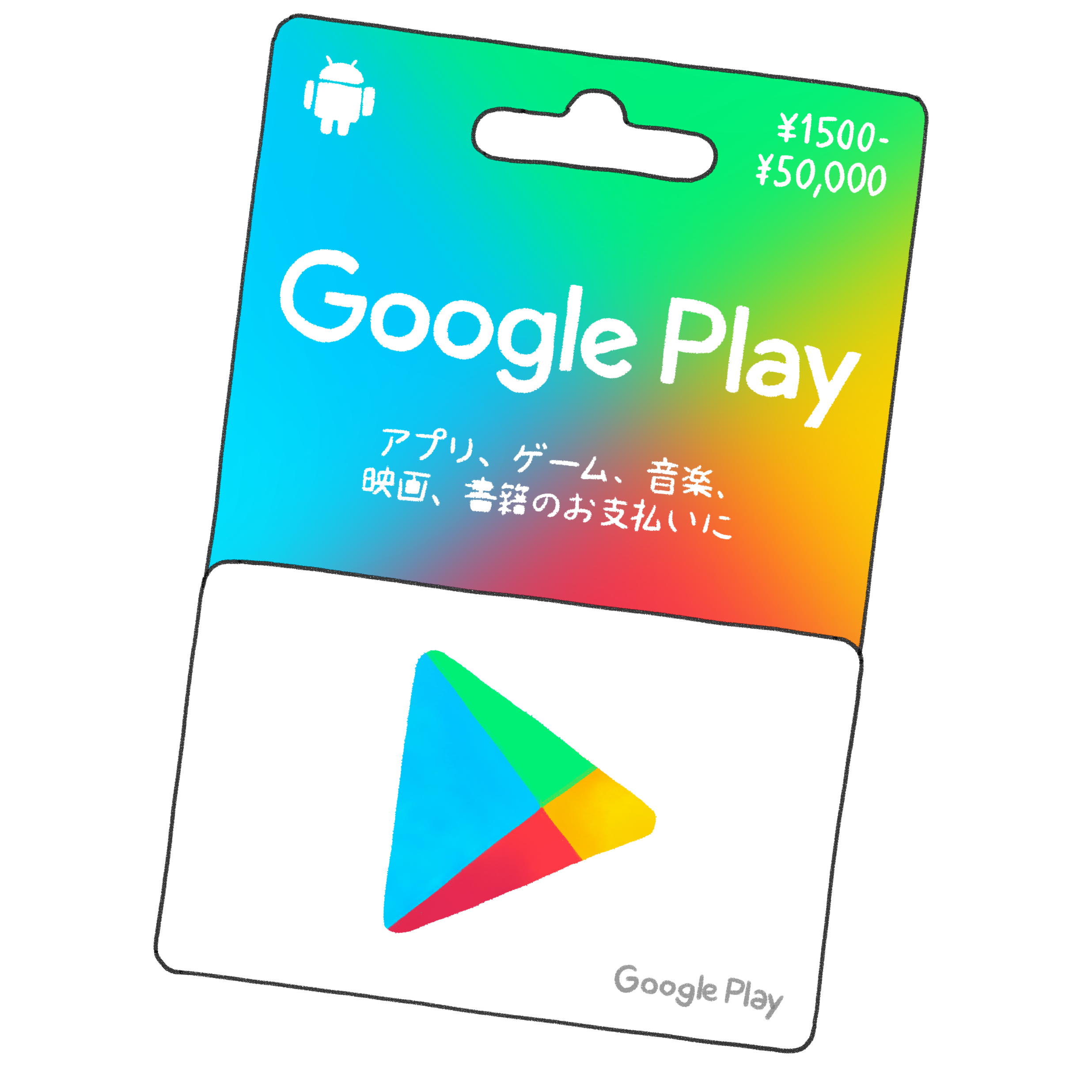
Purchase a "Google Play Gift Card" at a convenience store and add (charge) the amount to your Google Play balance. Some convenience stores also allow you to add cash directly to your balance via their app.
You can purchase Amaitorte ebooks on Google Play just like buying apps or making in-app purchases. Your balance is shared with other Google Play digital content, so any leftover amount can be used for app purchases and more.
Add funds to your Google Play balance & view your balance - Google Play Help

For Rakuten Kobo
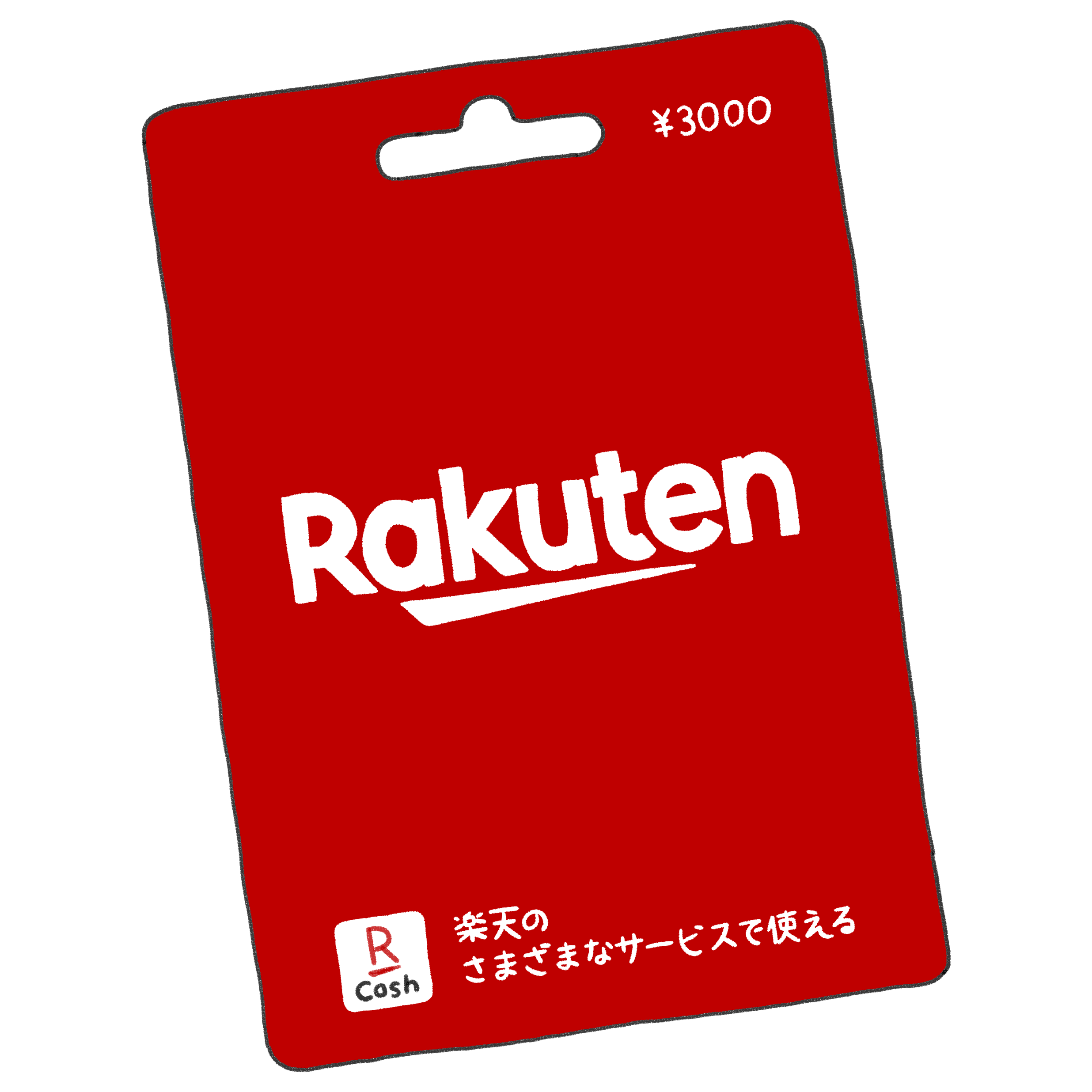
Purchase a "Rakuten Gift Card" or "Rakuten Point Gift Card" at a convenience store, then add (charge) the amount to your Rakuten account via the Rakuten Cash website. You can purchase Amaitorte ebooks using your Rakuten Cash balance or points.